For managed service providers and consultancies
Tracking client domains by hand does not scale.
The work is not the scanning. It is grouping domains by client, noticing what changed, proving it to the client, and doing that every month without rebuilding a report each time.
See a sample client bundle
Fictional MSP, fictional client, real structure.
See the sample bundle →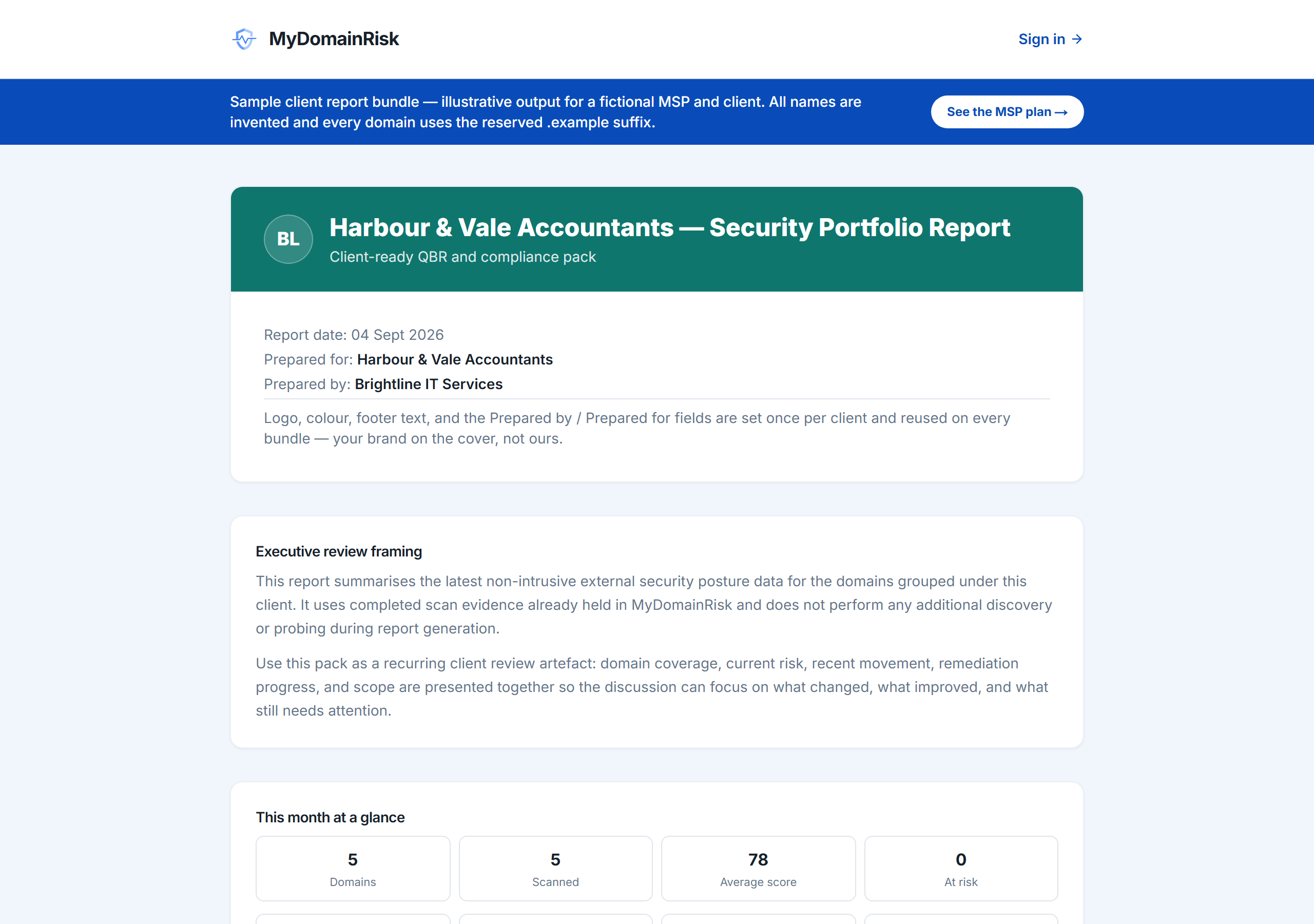
Running external monitoring across a client portfolio is a different job from checking one domain. The work is not the scanning — it is grouping domains by client, noticing what changed, proving it to the client, and doing that repeatedly without rebuilding a report each month. This page explains how the MSP tier is shaped around that.
The problem with doing this by hand
Most providers start with a spreadsheet and a monthly reminder. It works until the portfolio grows, and then the failure is always the same: the checks still happen but nobody notices the one thing that changed, because a list of results with nothing highlighted is indistinguishable from a list of results nobody read.
- Detecting change matters more than repeating the check
- A report that looks identical every month stops being read
- The evidence a client needs is not the same as the data you need
What the tier adds
Pro already includes core Portfolio client workspaces with imports up to 50 domains. MSP is a strict superset — nothing is lost on upgrade — raising imports to 250 and adding the reporting, routing and delegated-access structure that multi-customer work needs.
- Portfolio client imports up to 250 domains, compared with 50 on Pro
- Branded report bundles and evidence packs, with Prepared by and Prepared for fields
- Delegated read-only client portal access, so a client can see their own position without you emailing PDFs
- Per-client Priorities and Alerts, so change is routed to whoever handles that customer
- A client audit trail covering branding and portal actions
- 250 tracked domains in each app, and 250 daily checks shared across both
How providers usually run it
The common pattern is daily monitoring for movement with fuller scans on a weekly or monthly schedule, alerts routed per client, and a branded bundle produced at the point of the client review rather than assembled by hand beforehand.
- Daily monitoring for change; weekly or monthly full scans
- Alerts to email, Slack, Microsoft Teams or a webhook, scoped by client
- Give the client the portal for routine questions and keep the bundle for the review meeting
Common questions
›How is MSP different from Pro?
Pro is for one organisation's estate. MSP adds per-client grouping, branded bundles, delegated portal access, per-client Priorities and Alerts, an audit trail, and higher capacity for the portfolios you already monitor. It is a strict superset: no Pro feature is lost.
›Can clients see each other?
No. Portal access is scoped to the client it was granted for, and a contact sees only their own organisation's position.
›What happens above 250 client domains?
250 tracked domains in each app is the current cap. If you are managing more than that, email support and we will discuss terms rather than have you work around the limit.
›Does one subscription cover both apps?
Yes. Security and authenticity sit behind one account and one subscription, with a shared daily allowance across both. There is no per-app surcharge.
Advisory only. External monitoring shows publicly observable signals about a domain. It is not a security audit of a client's internal environment and does not replace one.
What the client sees
A window for the client and a cockpit for you: delegated read-only access shows one organisation its own position and nothing else, scoped to the domains grouped under that client.
Pro is for one organisation’s estate; MSP adds per-client grouping for the portfolios you already monitor.
Also useful: the monthly client report.